
What you can connect
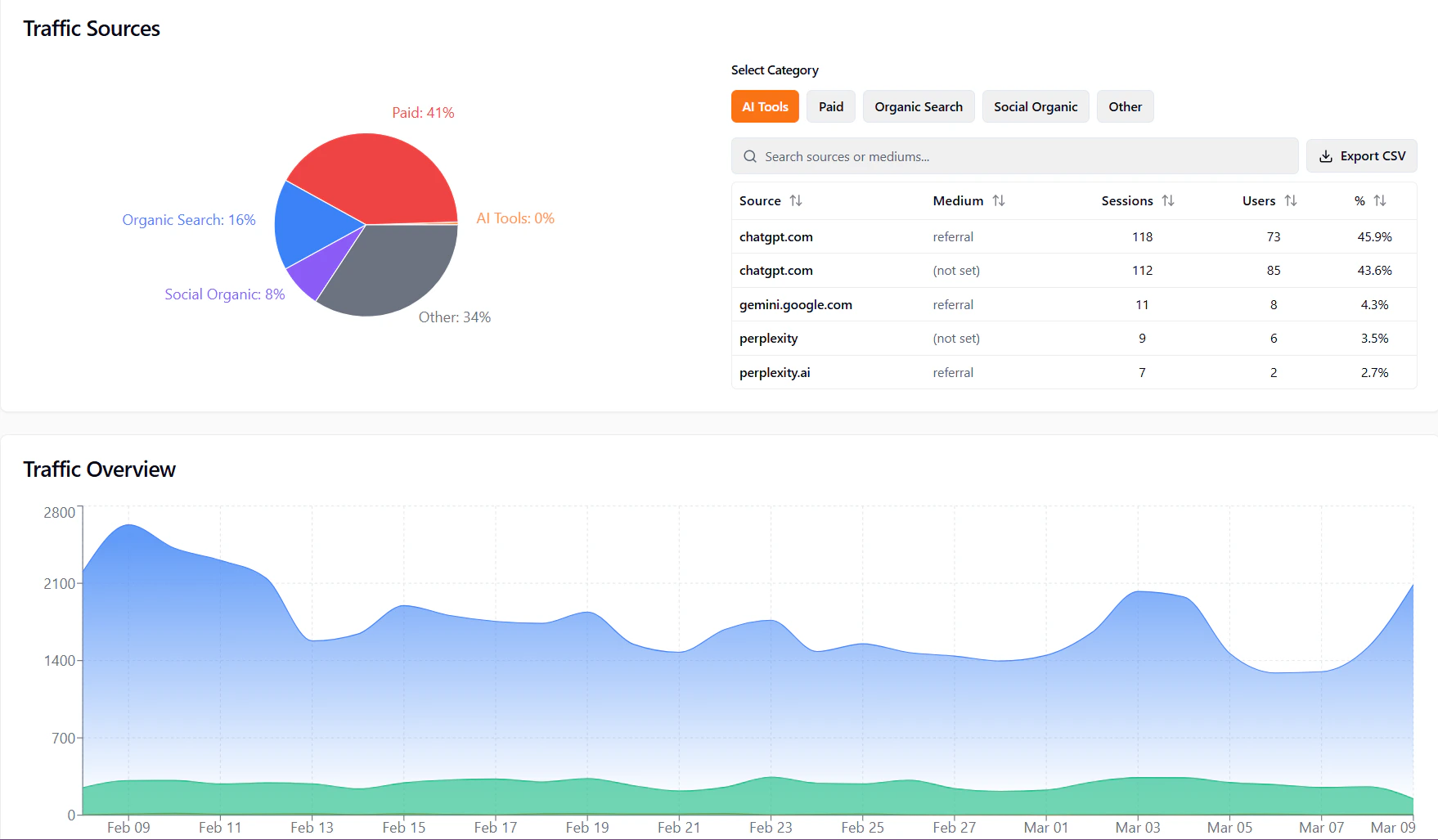
Depending on your plan, you may see:- Google Analytics — For traffic data in Monitoring → Traffic.
- Google Search Console — For search performance and queries.
- Other sources — The app will list available integrations on the Integrations page.
Connecting an integration
- Open Workspace → Integrations from the sidebar.
- Find the service you want (e.g. Google Analytics, Google Search Console).
- Click Connect (or the equivalent button).
- Sign in to the service (e.g. Google) and approve access when asked.
- You’re returned to the app; the integration shows as connected.
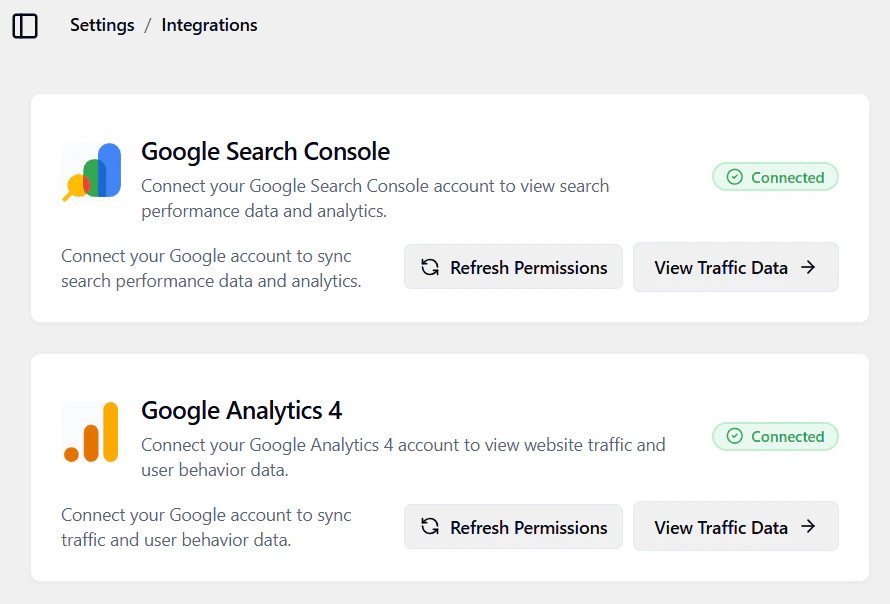
Once connected, data from that service can appear in the app (e.g. in Monitoring → Traffic). It may take a short time to sync.
Disconnecting
To disconnect:- Go to Workspace → Integrations.
- Find the integration and use Disconnect (or “Remove”).
- Confirm. The app stops using that source for new data; existing data may remain until refreshed.