
Settings

Settings in the Workspace is where you manage your profile, language, and other preferences. Open it from the sidebar or from your profile menu (e.g. your name or avatar).

Profile

  • Update your details — Name, email (if your plan allows), and other account info.
  • Save after editing. The app confirms when changes are applied.
Some fields (e.g. email or plan) may be managed by your administrator. If you can’t edit something, it may be fixed at the account level.

Preferences

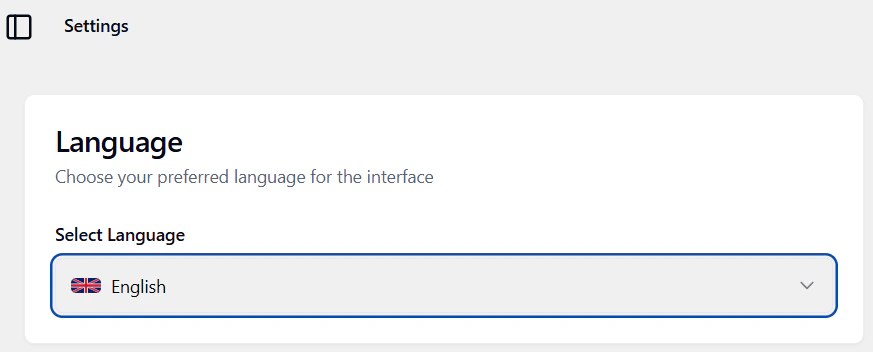
  • Language — Choose English or Italian. The interface updates and your choice is remembered.
  • Time zone — Set your time zone if the app offers it, so dates and times display correctly.
  • Notifications — Turn notifications on or off if the app provides this option.

Security

If the app offers password or security options, they’ll appear in Settings or a security subsection. Use them to change your password or manage sessions.

Getting help

Many screens link to the in-app Manual. Use the Manual (sidebar or help menu) for step-by-step guides while you work. Next: Integrations or Billing.