> ## Documentation Index
> Fetch the complete documentation index at: https://docs.rankwit.ai/llms.txt
> Use this file to discover all available pages before exploring further.
# Settings
> How to manage your profile and preferences in RankWit.
**Settings** in the Workspace is where you manage your profile, language, and other preferences. Open it from the sidebar or from your profile menu (e.g. your name or avatar).
## Profile
* **Update your details** — Name, email (if your plan allows), and other account info.
* **Save** after editing. The app confirms when changes are applied.
Some fields (e.g. email or plan) may be managed by your administrator. If you can’t edit something, it may be fixed at the account level.
## Preferences
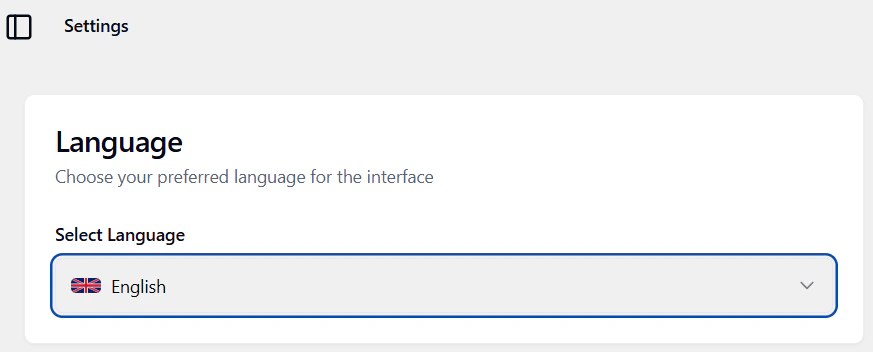
* **Language** — Choose **English** or **Italian**. The interface updates and your choice is remembered.
 Next: [Integrations](/workspace/integrations) or [Billing](/workspace/billing).