> ## Documentation Index
> Fetch the complete documentation index at: https://docs.rankwit.ai/llms.txt
> Use this file to discover all available pages before exploring further.
# Integrations
> How to connect and manage integrations (e.g. Google Analytics, Search Console).
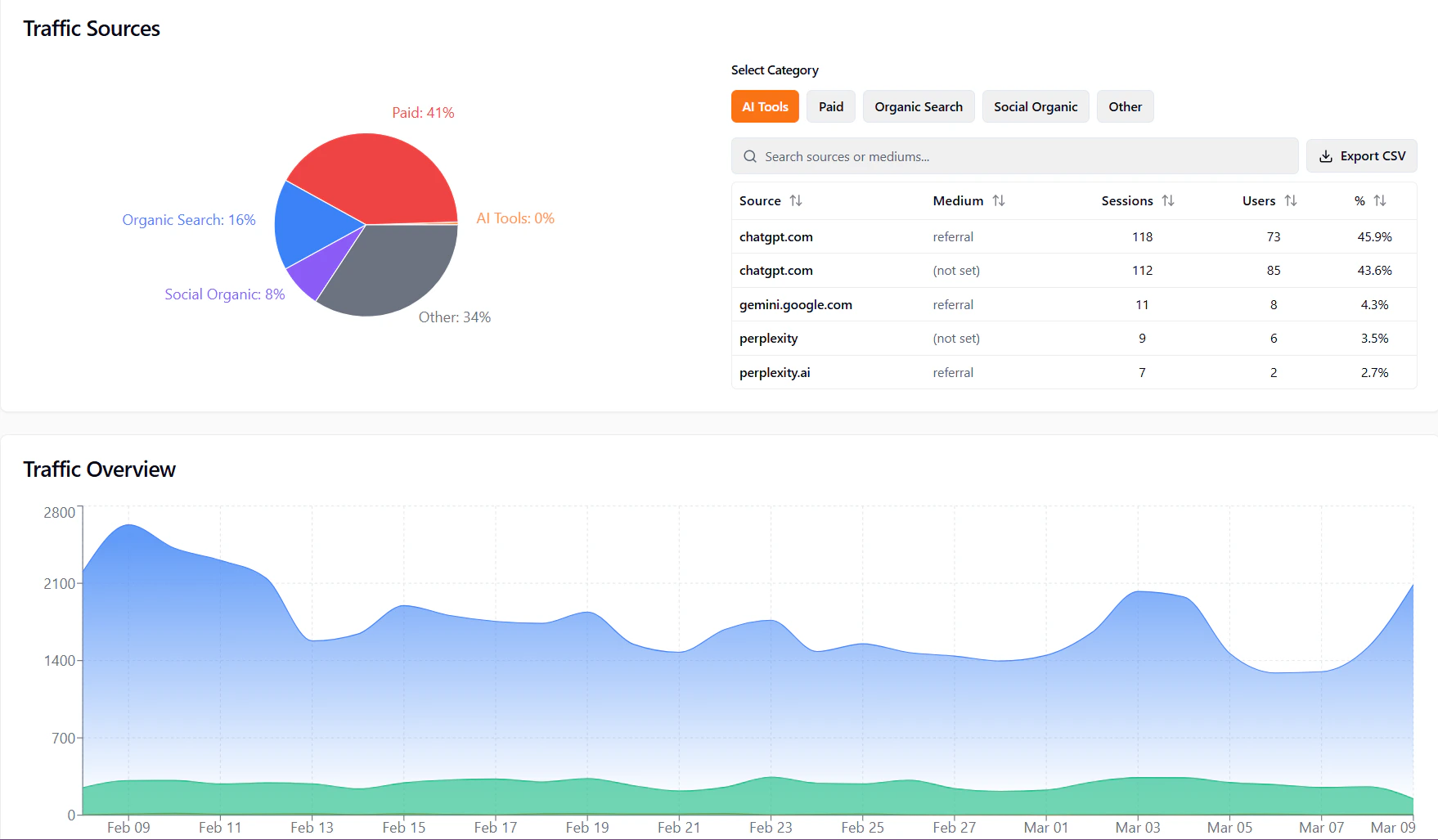
**Integrations** in the Workspace lets you connect external services so RankWit can use their data (e.g. for **Traffic** or search performance).
## What you can connect
Depending on your plan, you may see:
* **Google Analytics** — For traffic data in **Monitoring → Traffic**.
* **Google Search Console** — For search performance and queries.
* Other sources — The app will list available integrations on the Integrations page.
 ## Connecting an integration
1. Open **Workspace → Integrations** from the sidebar.
2. Find the service you want (e.g. **Google Analytics**, **Google Search Console**).
3. Click **Connect** (or the equivalent button).
4. Sign in to the service (e.g. Google) and **approve access** when asked.
5. You’re returned to the app; the integration shows as **connected**.
## Connecting an integration
1. Open **Workspace → Integrations** from the sidebar.
2. Find the service you want (e.g. **Google Analytics**, **Google Search Console**).
3. Click **Connect** (or the equivalent button).
4. Sign in to the service (e.g. Google) and **approve access** when asked.
5. You’re returned to the app; the integration shows as **connected**.
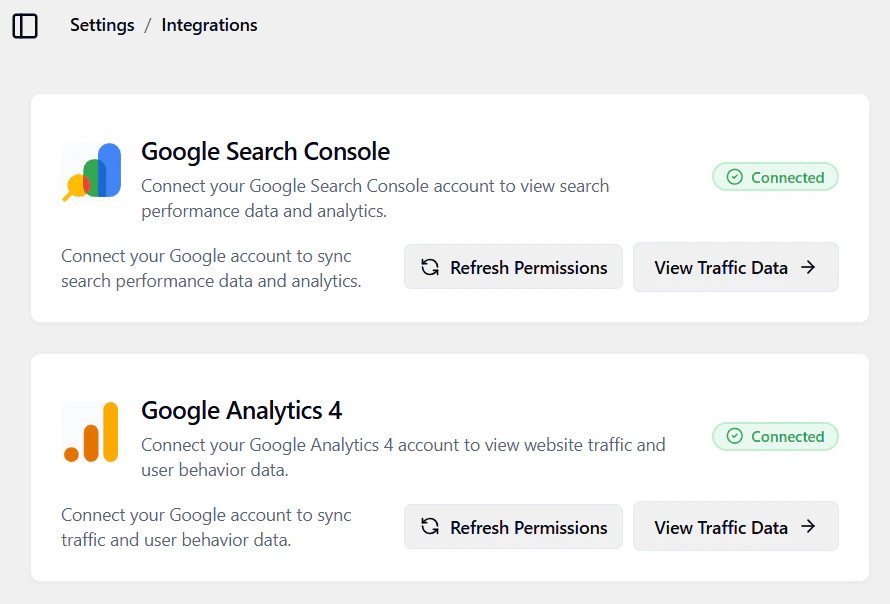 Once connected, data from that service can appear in the app (e.g. in **Monitoring → Traffic**). It may take a short time to sync.
## Disconnecting
To disconnect:
1. Go to **Workspace → Integrations**.
2. Find the integration and use **Disconnect** (or “Remove”).
3. Confirm. The app stops using that source for new data; existing data may remain until refreshed.
Disconnecting can remove or hide data that came from that integration (e.g. in Traffic). Reconnect the same account to restore it.
Next: [Billing](/workspace/billing) or [Traffic](/monitoring/traffic).
Once connected, data from that service can appear in the app (e.g. in **Monitoring → Traffic**). It may take a short time to sync.
## Disconnecting
To disconnect:
1. Go to **Workspace → Integrations**.
2. Find the integration and use **Disconnect** (or “Remove”).
3. Confirm. The app stops using that source for new data; existing data may remain until refreshed.
Disconnecting can remove or hide data that came from that integration (e.g. in Traffic). Reconnect the same account to restore it.
Next: [Billing](/workspace/billing) or [Traffic](/monitoring/traffic).