> ## Documentation Index
> Fetch the complete documentation index at: https://docs.rankwit.ai/llms.txt
> Use this file to discover all available pages before exploring further.
# Pages
> How to view and manage monitored pages in RankWit.
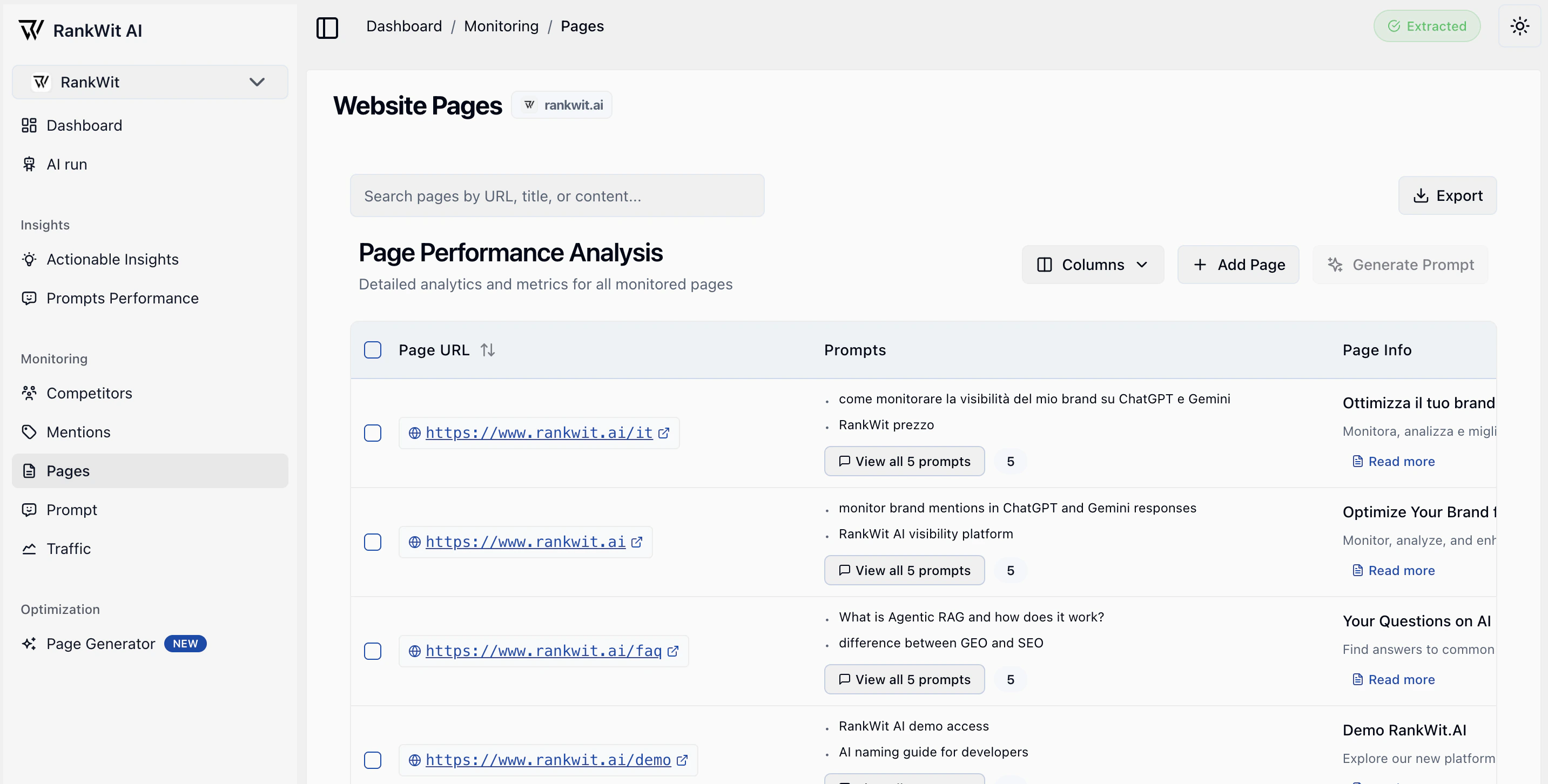
The **Pages** section in Monitoring lists the pages on your site that RankWit is tracking for SEO and performance.
 ## What you see
* A **table of pages** (URL, title, status, and key metrics).
* Ability to **add** or **remove** pages from monitoring.
* Details when you open a page (e.g. scores, history, issues).
## How pages are collected
Pages are **crawled periodically** by our system. Most of your site’s URLs will be discovered and updated automatically. Some pages, however, **cannot be crawled or updated** (e.g. due to access, structure, or technical limits). Those can be **added manually** via **Add page** so they are still included in monitoring and runs.
## Why pages matter
Monitored pages are the website URLs RankWit uses for analysis. Keeping this list up to date helps you get accurate data in **Prompt**, **Traffic**, and **Insights**.
## What you see
* A **table of pages** (URL, title, status, and key metrics).
* Ability to **add** or **remove** pages from monitoring.
* Details when you open a page (e.g. scores, history, issues).
## How pages are collected
Pages are **crawled periodically** by our system. Most of your site’s URLs will be discovered and updated automatically. Some pages, however, **cannot be crawled or updated** (e.g. due to access, structure, or technical limits). Those can be **added manually** via **Add page** so they are still included in monitoring and runs.
## Why pages matter
Monitored pages are the website URLs RankWit uses for analysis. Keeping this list up to date helps you get accurate data in **Prompt**, **Traffic**, and **Insights**.
 ## Working with the table
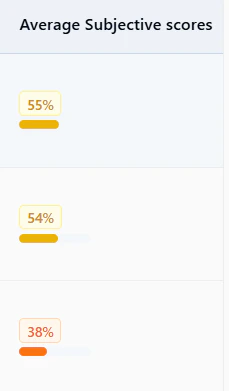
* **Sort** by clicking column headers (e.g. URL, status, score).
* **Search or filter** when the app provides these options.
* **Open** a row to see the page’s detail view and metrics over time.
* Use **pagination** at the bottom to move through the list.
## Adding or removing pages
* **Add pages** — Use **Add page** (or similar) and enter the URL or select from a crawl/list if the app offers it. The new page is then included in runs and insights.
* **Remove pages** — Use the row action (e.g. menu or remove icon) to stop monitoring that URL. Historical data may remain, but new runs will skip it.
## Working with the table
* **Sort** by clicking column headers (e.g. URL, status, score).
* **Search or filter** when the app provides these options.
* **Open** a row to see the page’s detail view and metrics over time.
* Use **pagination** at the bottom to move through the list.
## Adding or removing pages
* **Add pages** — Use **Add page** (or similar) and enter the URL or select from a crawl/list if the app offers it. The new page is then included in runs and insights.
* **Remove pages** — Use the row action (e.g. menu or remove icon) to stop monitoring that URL. Historical data may remain, but new runs will skip it.
 **NB:** If your website is **large**, the **first crawl** may not discover the **entire site** in one go. Further crawls will continue to add pages. You can also add important URLs manually if they are missing.
If you have many pages, use filters and search to find the ones you care about. Make sure the correct **website** is selected in the website selector.
## Need help?
If you need support with crawling, missing pages, or limits on your plan, contact us at [**info@rankwit.ai**](mailto:info@rankwit.ai).
Next: [Prompt](/monitoring/prompt) or [Traffic](/monitoring/traffic).
**NB:** If your website is **large**, the **first crawl** may not discover the **entire site** in one go. Further crawls will continue to add pages. You can also add important URLs manually if they are missing.
If you have many pages, use filters and search to find the ones you care about. Make sure the correct **website** is selected in the website selector.
## Need help?
If you need support with crawling, missing pages, or limits on your plan, contact us at [**info@rankwit.ai**](mailto:info@rankwit.ai).
Next: [Prompt](/monitoring/prompt) or [Traffic](/monitoring/traffic).